My First Blog Post

Be yourself; Everyone else is already taken.

— Oscar Wilde.

This is the first post on my new blog. I’m just getting this new blog going, so stay tuned for more. Subscribe below to get notified when I post new updates.

Project Development Entries 3

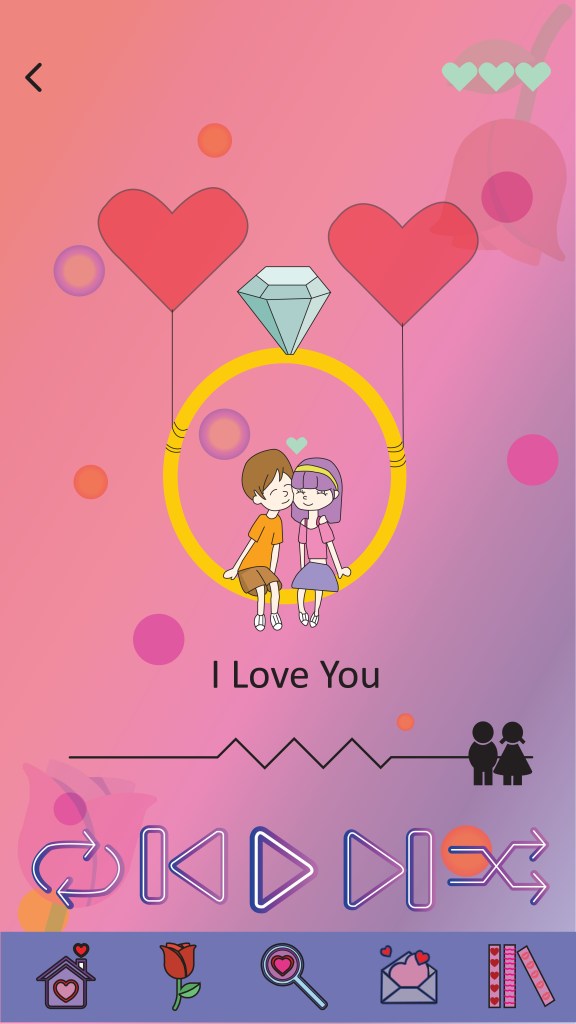
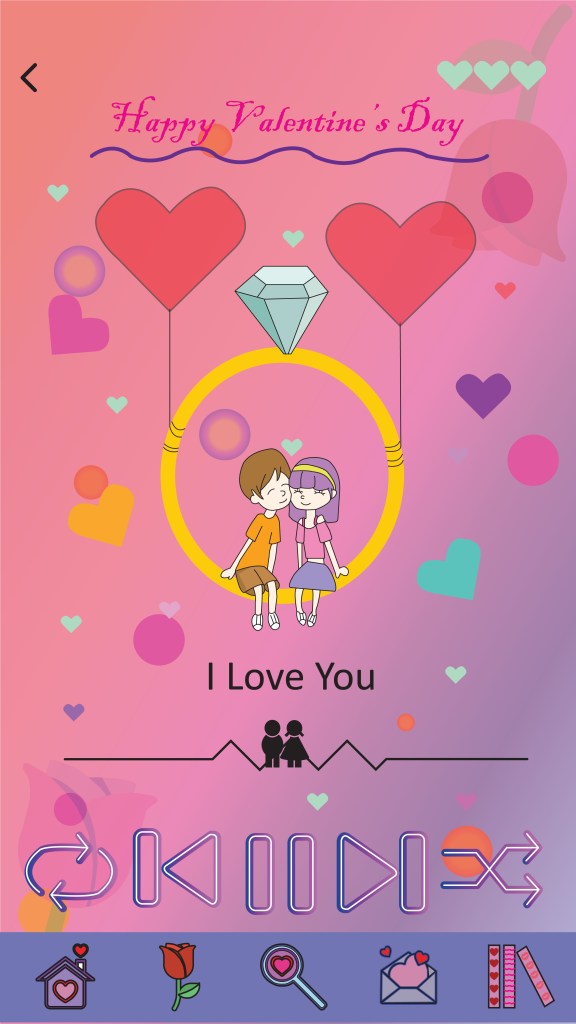
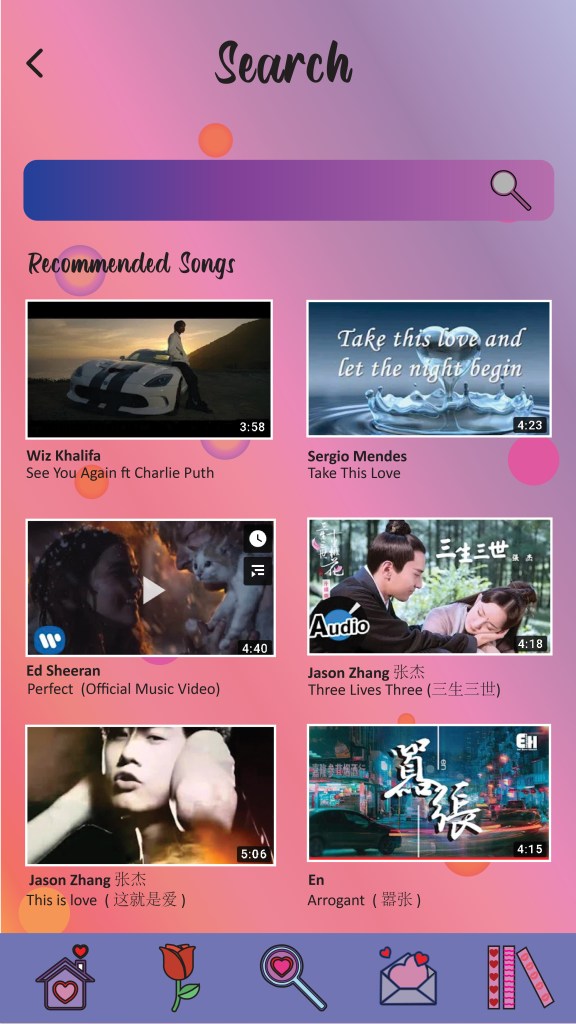
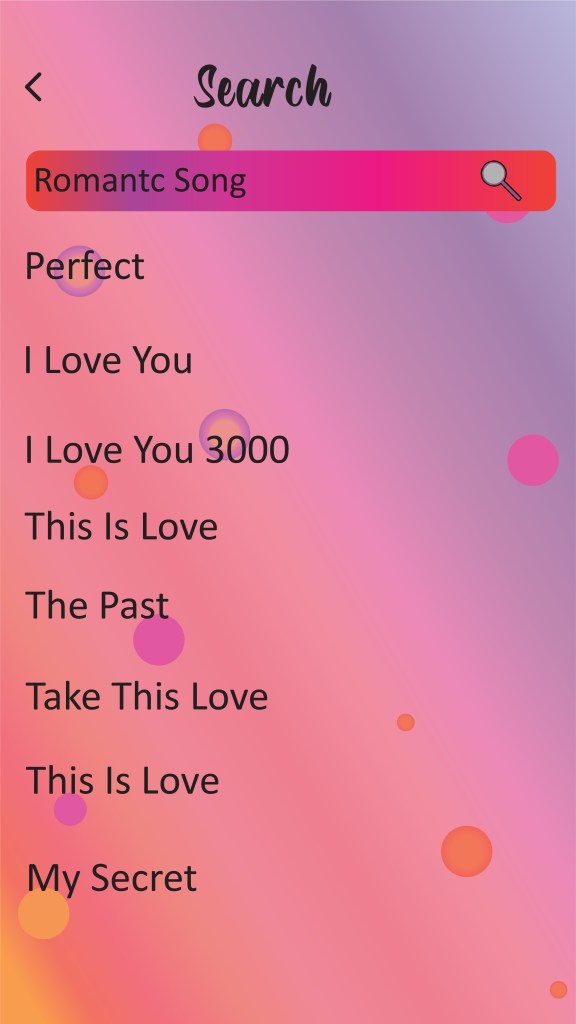
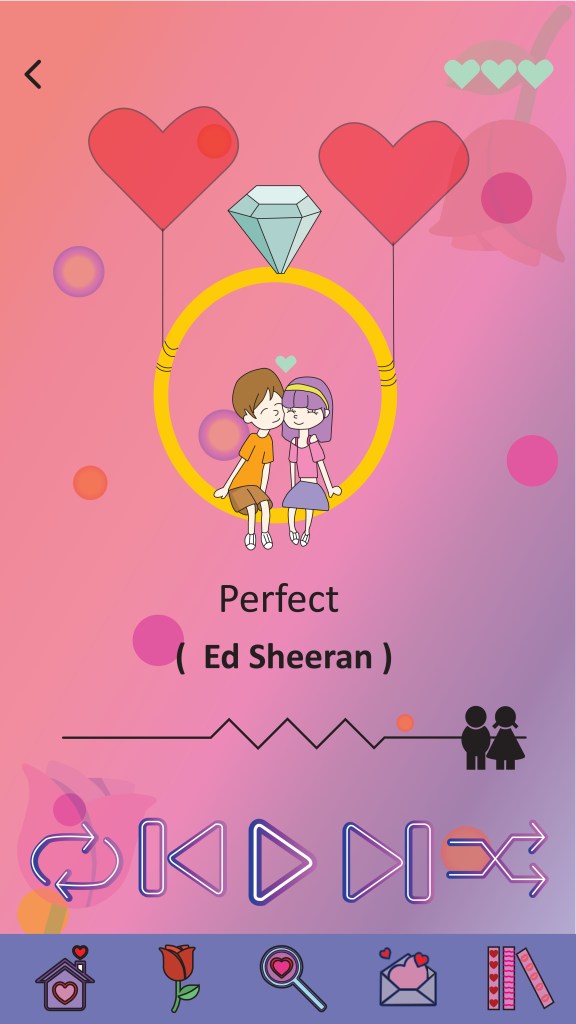
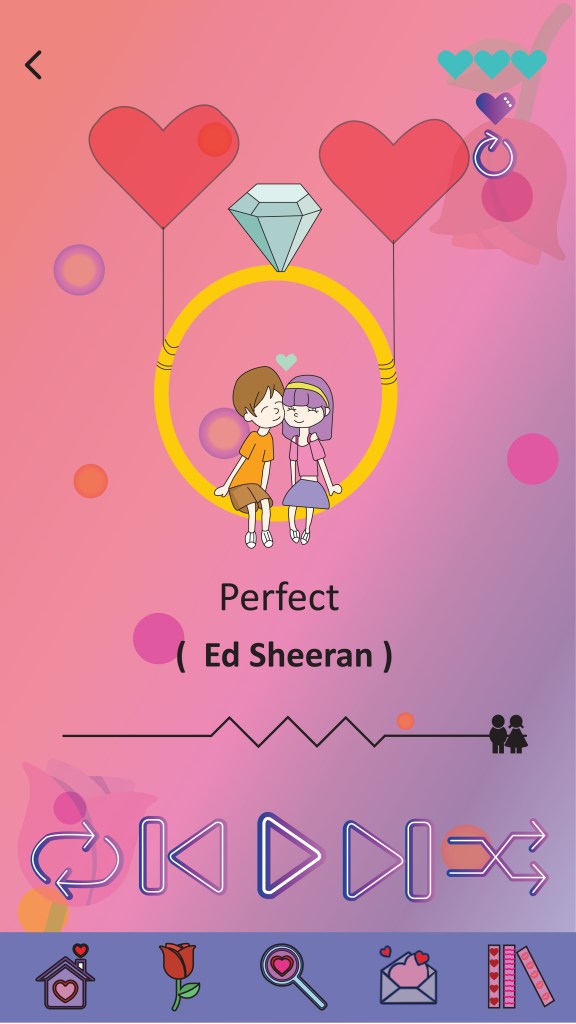
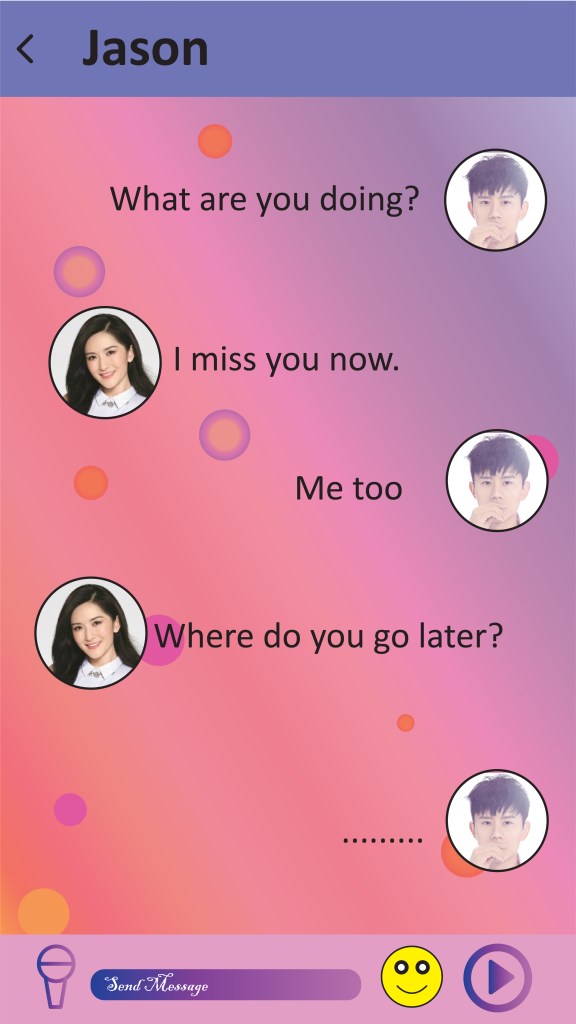
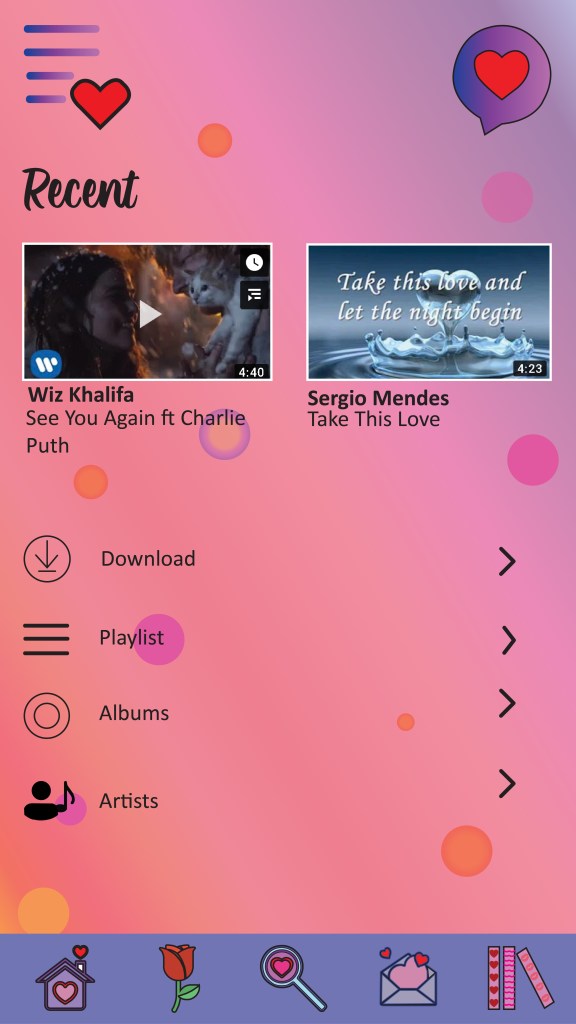
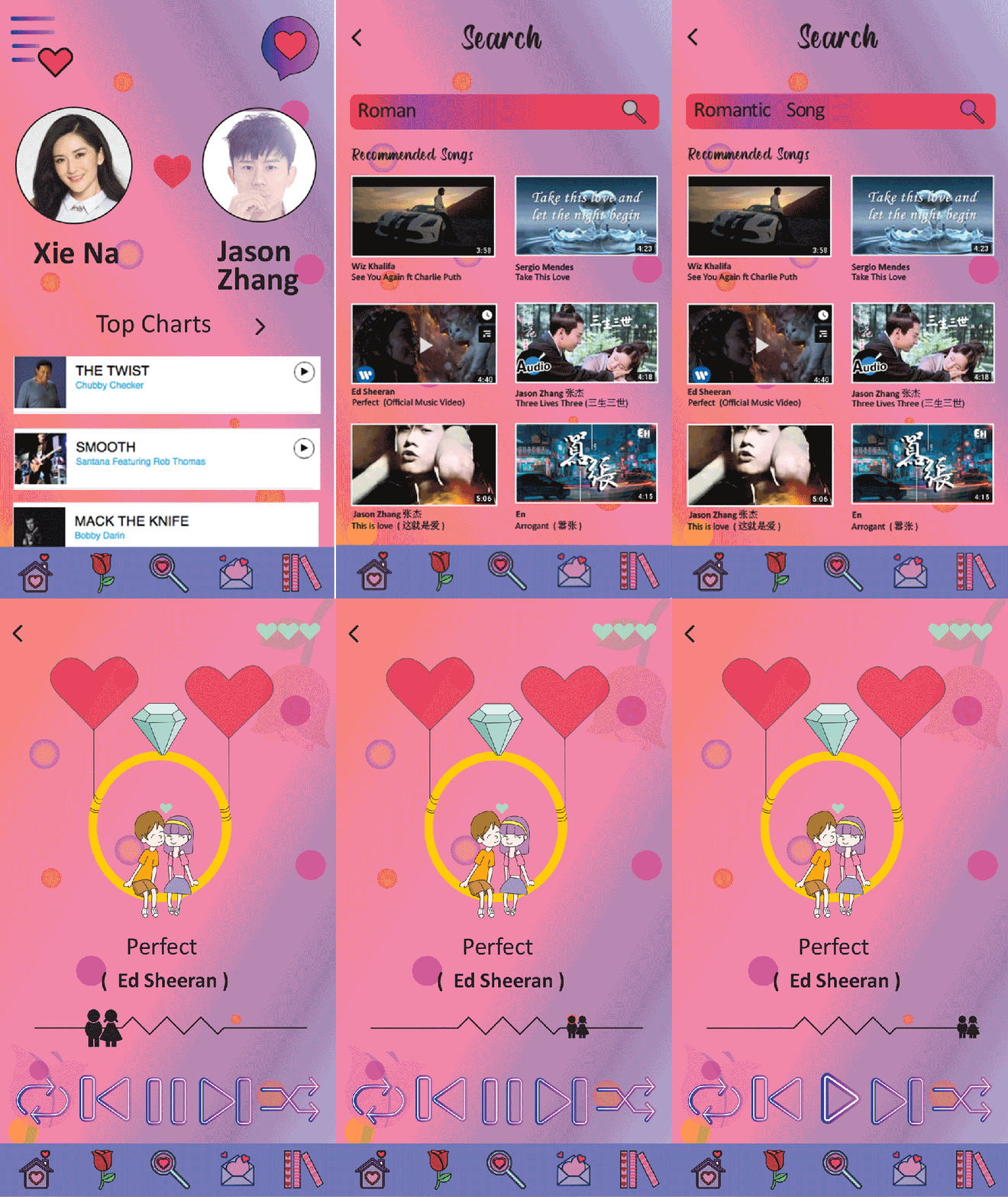
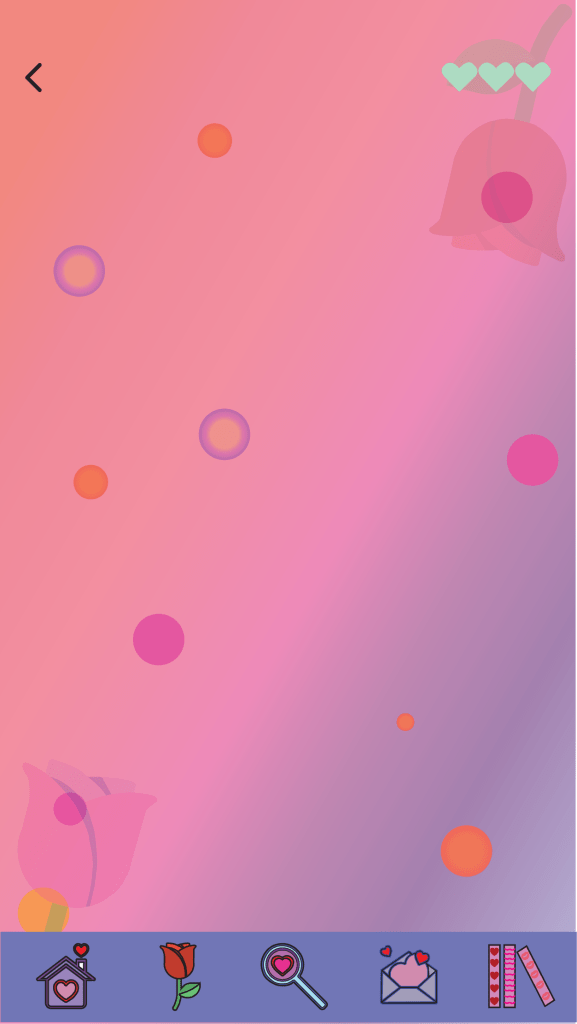
Music App UI Design : Final Result

(a) Pages

(b) Pages GIF

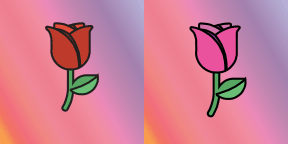
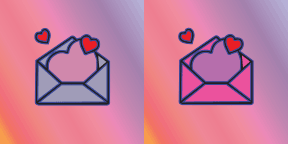
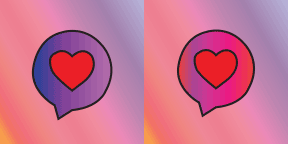
(c) Icon States
Project Development Entries 2

(a) Music Player UI Design Development

a. Background

  • Theme : Romantic
  • Target Audience : Couples, Single, People who fall in love
  • Pages : Home, Rose, Search, Chatting, Library

This music app is a platform to listen romantic song. I want give my user to feel like in a romantic world. It can have direct interactions between each other with their soulmate.

What is Romantic?

Romance is the feeling we chase in relationships. Once you’ve experienced romance, you won’t forget it and you won’t stop chasing that feeling until you find it again. In dating, romance can spark chemistry like the butterfly feeling in your stomach. In a relationship, romance can keep things fresh and exciting.

(b) Mind Map
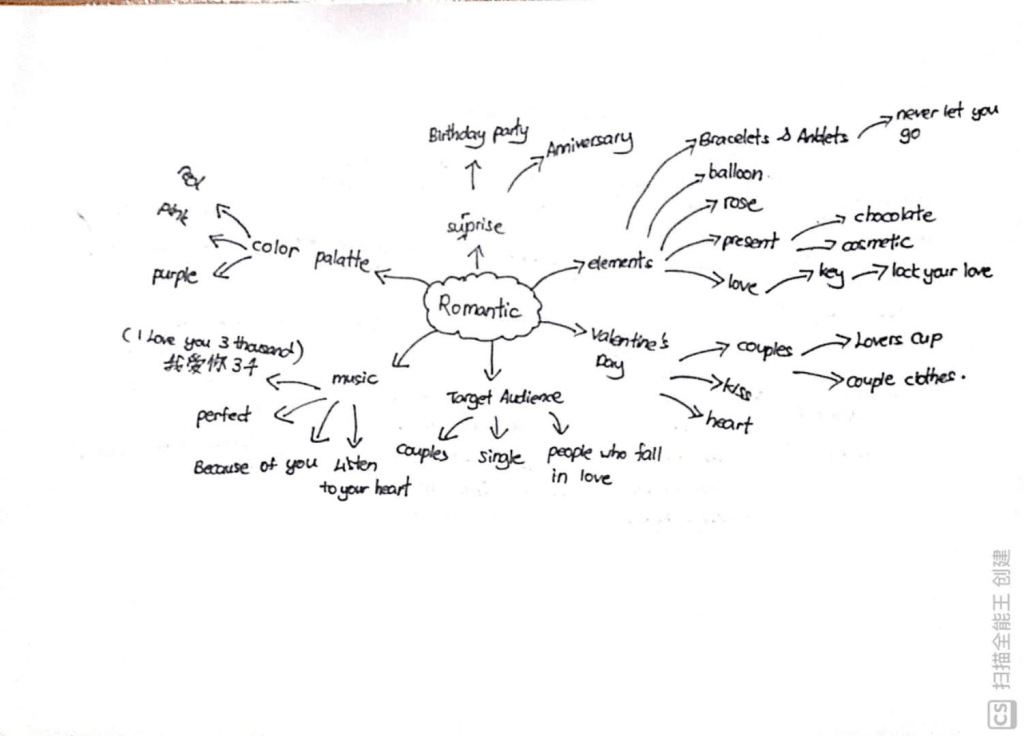
My idea for the music player is about romantic, because i think now most of the music player app is focus on the teenager and the adult. So, now i want to focus on the couple, single and people who fall in love to let them try to use this kind of music app. This app not only can listen the music, I will put the chatting inside this app let the couple easy to chat with her companion. This app also can celebrate the birthday of couple and the Valentine Day. When u forget all of the celebration day, this app also will remind you. This app also can count how many days you have been with your girlfriend or boyfriend.

(c) Marvel App

https://marvelapp.com/6j80895

(d) Moodboard

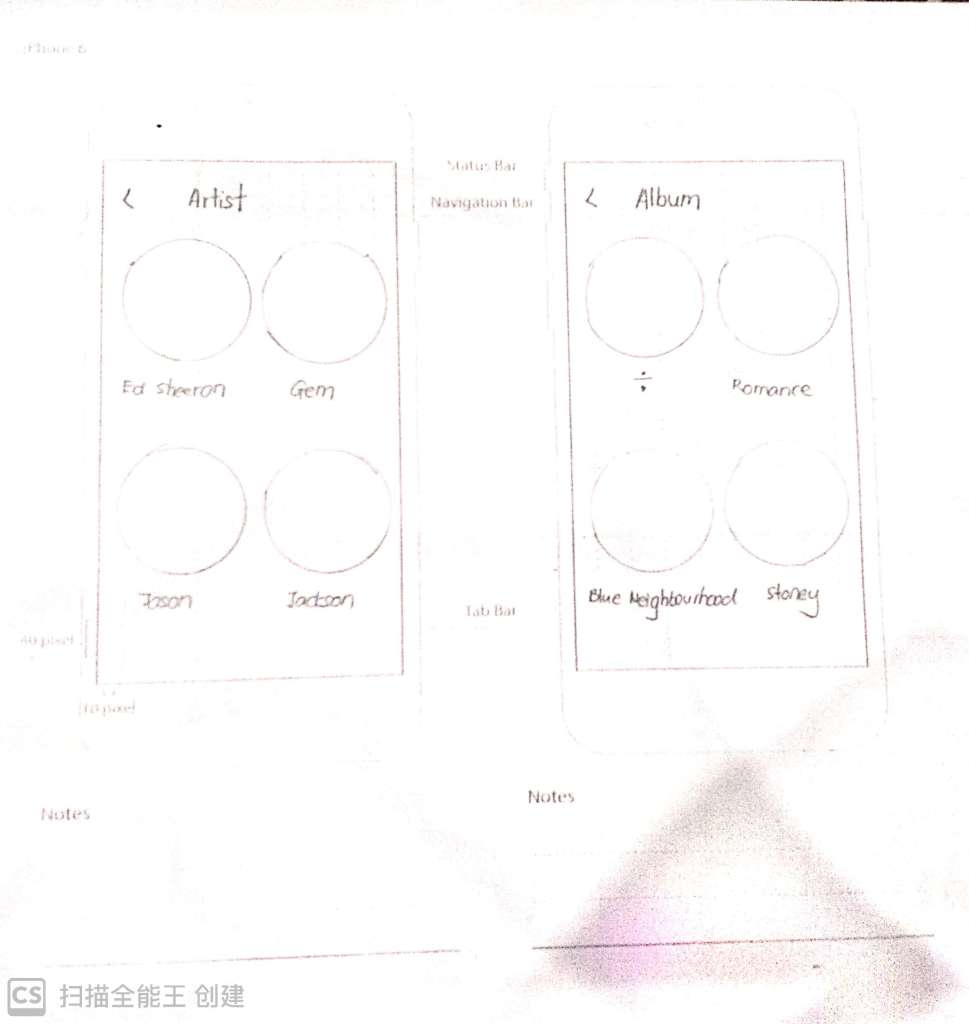
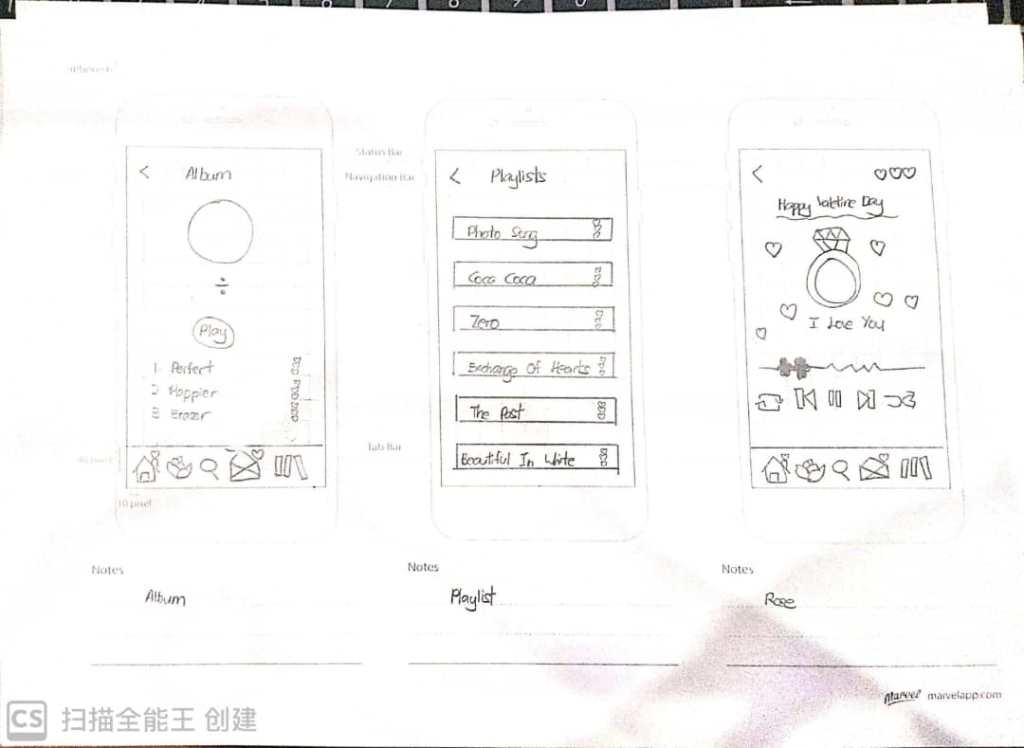
(e) Sketch

Detail Sketch

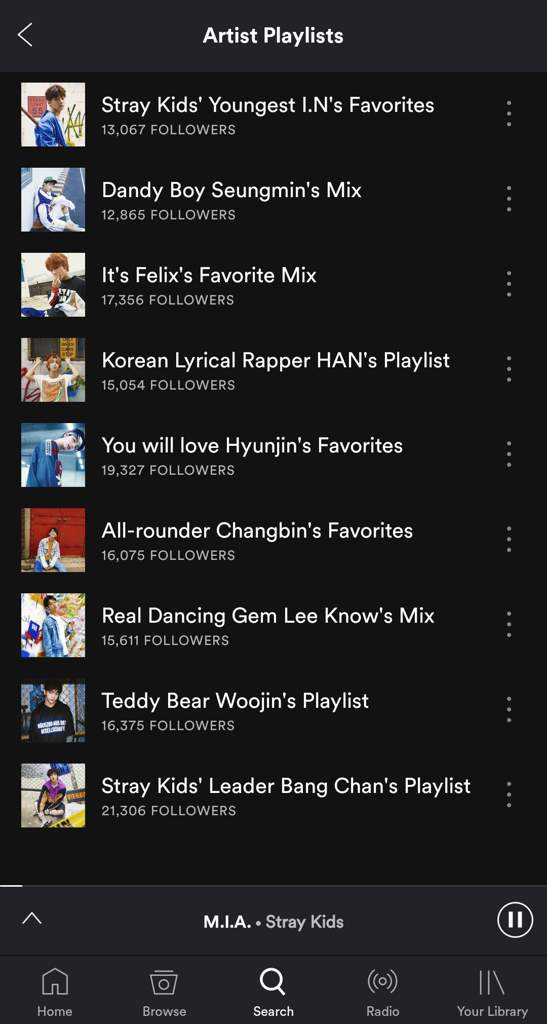
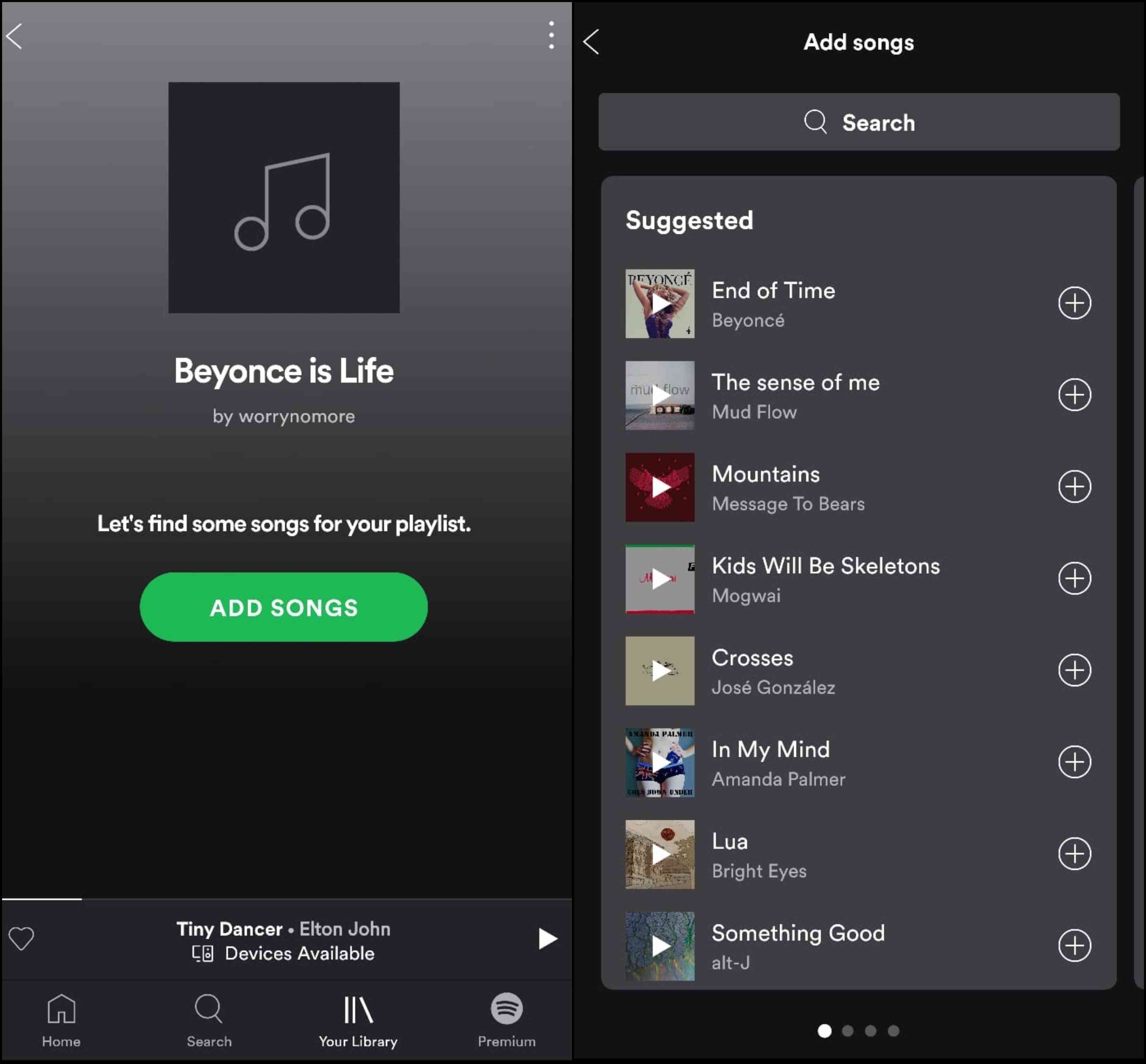
(f) References & Inspiration
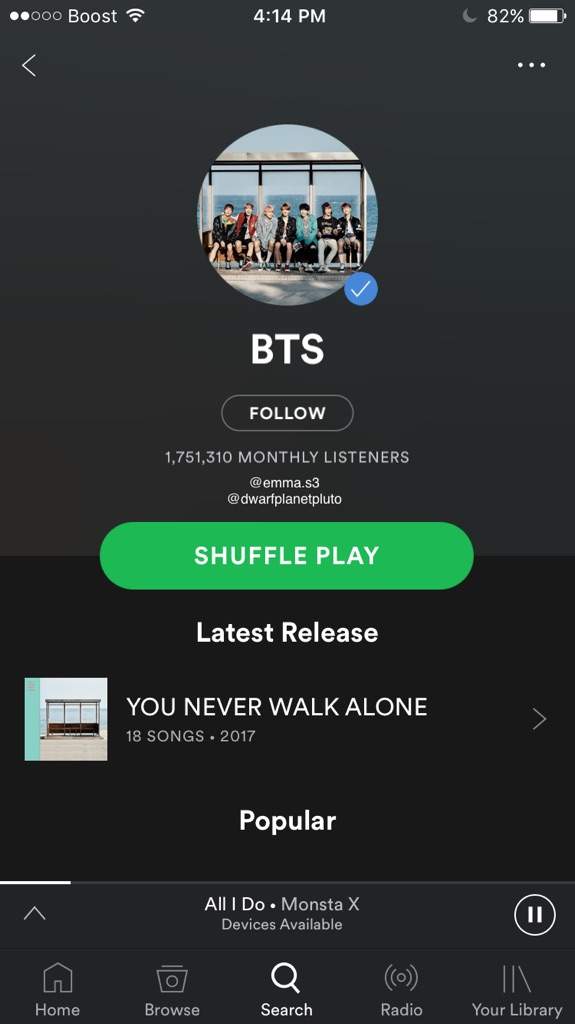
Image result for spotify
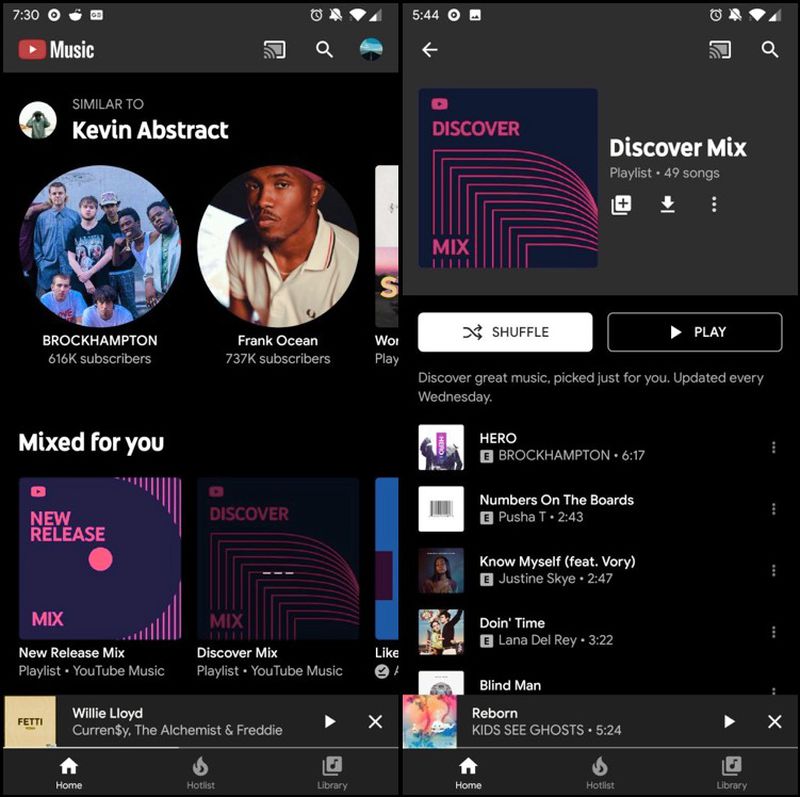
Image result for youtube music
Image result for spotify
Image result for couple app

In this music app, I will use Spotify, Youtube Music and dating app as my reference. I this this 3 app have a best layout for the music app so far. The pages are easy to understanding the navigation and so on.

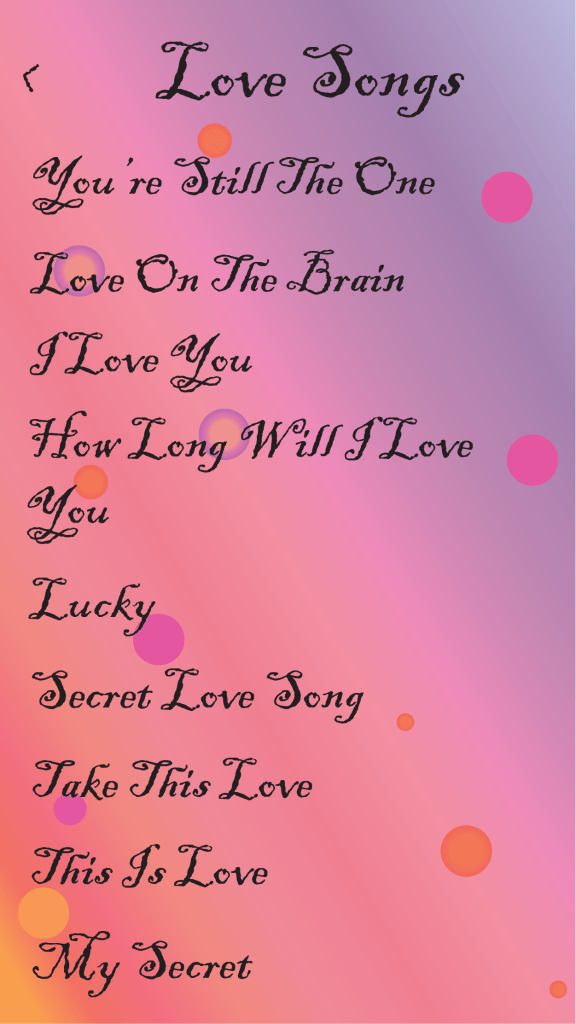
(g) Progress
Project Development Entry 1

3 Interesting Music Application

Deezer
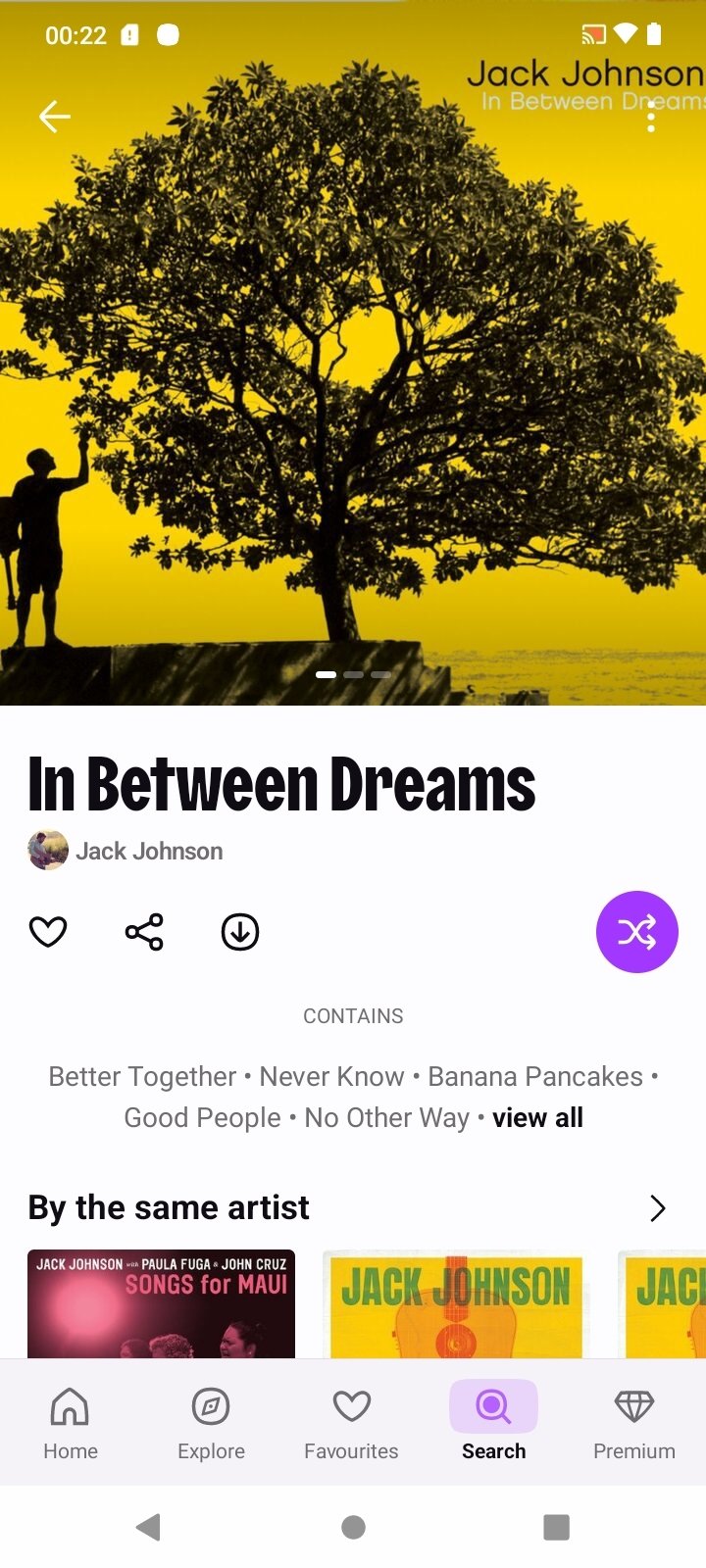
Image result for Deezer

Introduction

  • It is a french online music streaming service.
  • It allows users to listen to music content from record labels, including Universal Music Group, Sony Music and Warner Music Group on various devices online or offline.
  • The service is available for Web, AndroidiOSWindows MobileBlackBerry OS and WindowsMacOS

Category

  • Music

Target Audience

  • Music Lover

Art Direction

  • Flat

Selling Feature

  • The free version of the service lets you use Deezer’s FLOW feature to discover new artists

Type of Navigation

  • Finger Typing

Spotify

Image result for spotify

Introduction

  • It is an international media services provider.
  • It is legally domiciled in Luxembourg and is headquartered in Stockholm, Sweden. 
  • It can listen or search music that user like and also can download music.

Category

  • Music

Target Audience

  • Music Lovers

Art Direction

  • Flat

Selling Feature

  • The free version of the service isn’t as robust as the paid version, but there are still plenty of things to like about Spotify’s free service.

Type of Navigation

  • Finger Typing

YouTube Music

Image result for youtube music

Introduction

  • It is a free music streaming service developed by YouTube.
  • It provides a tailored interface for the service oriented towards music streaming.
  • It allowing users to browse through songs and music videos on YouTube based on genres, playlists, and recommendations.

Category

  • Music

Target Audience

  • Music Lovers]

Art Direction

  • Flat

Selling Feature

  • The free version of Youtube Music lets you stream your music and listen to various curated playlists.

Type of Navigation

  • Finger Typing

Entries 4

3 Interesting Mobile Applications

Introduction

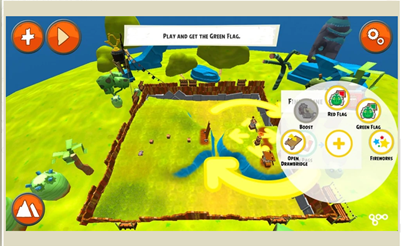
  • Angry Bird Go
  • It was a kart racing game and the eighth game in the Angry Birds video game series
  • The game was compatible with Hasbro Telepods that will allow the player to summon a specific kart.

Category

  • Games

Target Audience

  • Teenagers
  • Adults
  • Kids

Art Direction

  • cute
  • cartoon

Selling Feature

  • Free to play
  • cute animals characters

Type of Navigation

  • touch (tap on either the left or right part of the screen to move the kart to the left or right respectively)
图片中可能有:文本
没有照片描述。

Introduction

  • Facebook
  • It is an app for user to share their pictures or stories for other people and communicate with friend

Category

  • Social Media

Target Audience

  • Teenagers
  • Adults
  • People who want to share their story or communicate

Art Direction

  • Neat

Selling Feature

  • Easy to use

Type of Navigation

  • Tap (To click the photo or click the likes)
  • Drag (Swipe Up or Down)
  • Arrow (To go back)
图片中可能有:一人或多人
图片中可能有:文本

Introduction

  • Youtube
  • an app to watch movies and dramas
  • to hear music

Category

  • Entertainment

Target Audience

  • Couch Potato
  • Kids
  • Teens
  • Adults

Art Direction

  • Simple

Selling Feature

  • Can enjoy music or movie that user like

Type of Navigation

  • Tap (to click in the movie)
  • Drag (Swipe up or down and swipe right or left)

Entries 3B

Icon States : Collect 5 Icon States Examples
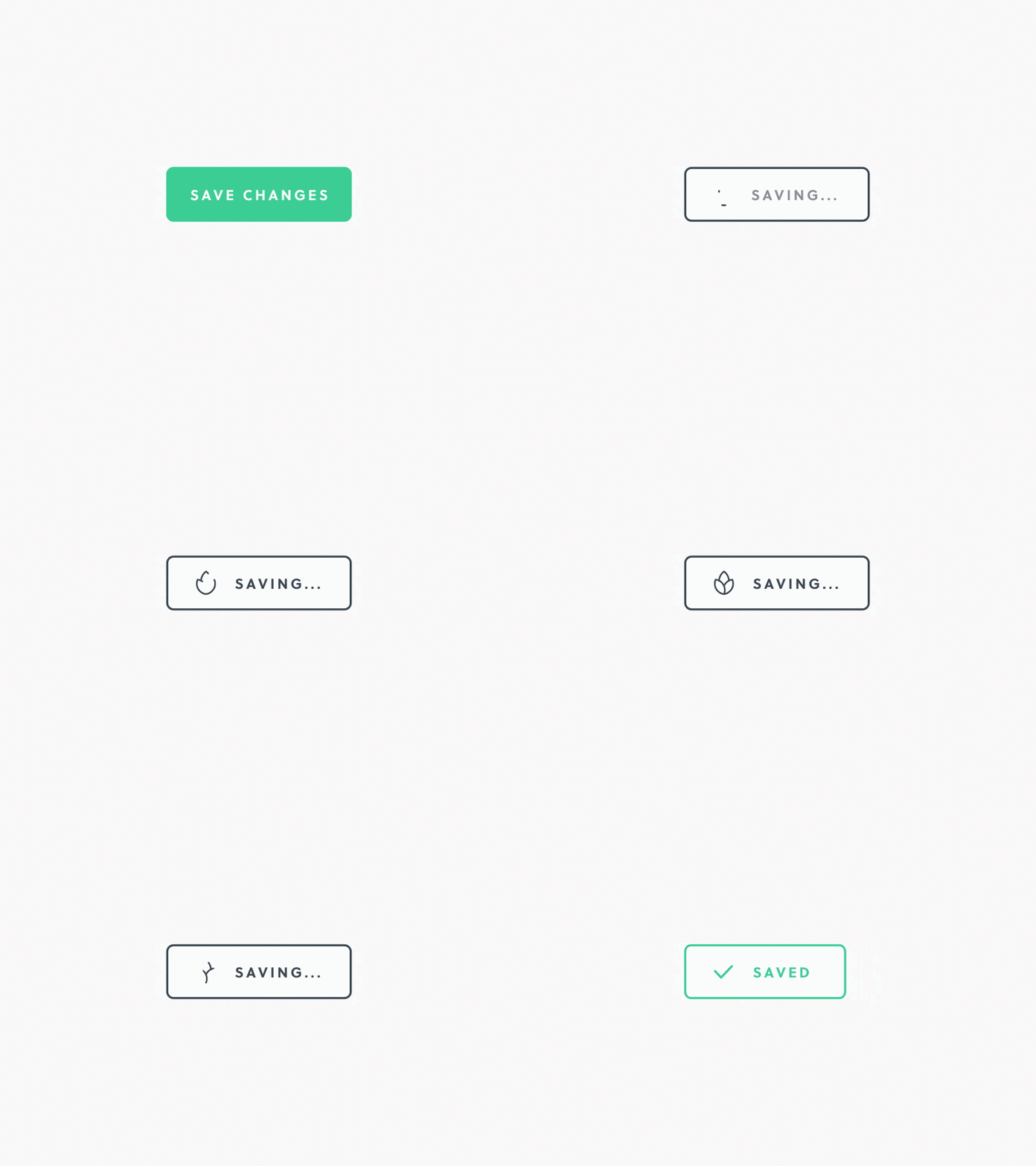
Color Changes

  • Green color (Normal)
  • Black Outline (Saving)
  • Green Outline (Saved)

Opacity / Brightness

  • Maintain

Scale & Sizes

  • The box sizes will changes when saved successful

Animation

  • The outline color change to black when saving
  • The outline color change to green when saved

Graphic Elements

  • The plant change to tick when saved successful

Color Changes

  • Blue color for login
  • Yellow color for register

Opacity / Brightness

  • Maintain

Scale & Sizes

  • Didn’t changes

Animation

  • Page will change while click the arrow

Graphic Elements

  • None

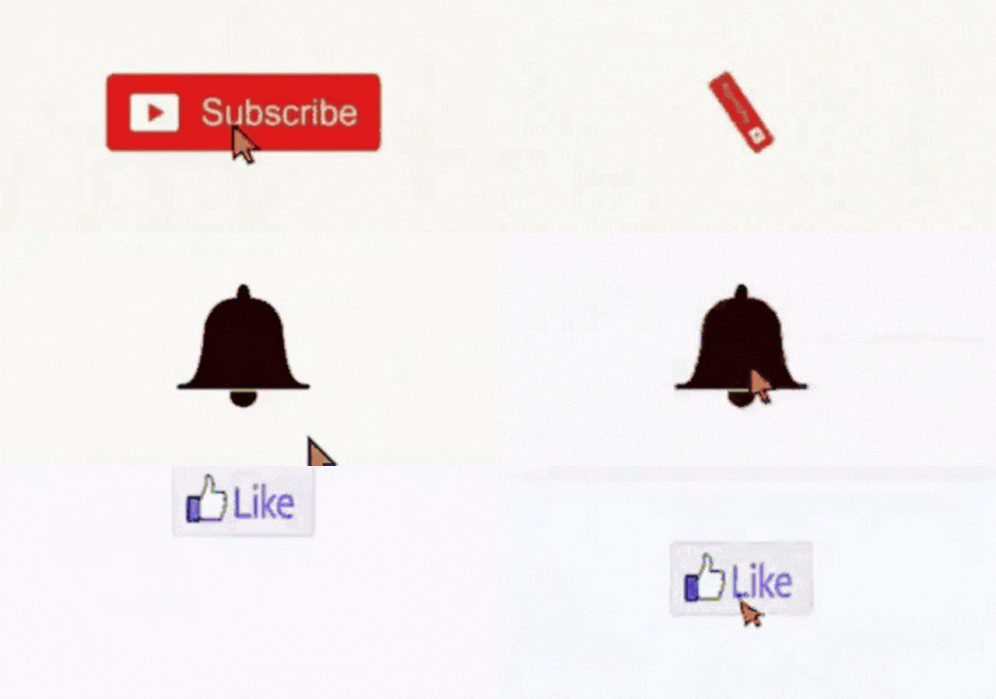
Color Changes

  • Red color for subscribe
  • Black color for bell
  • White color for like

Opacity / Brightness

  • Maintain

Scale & Sizes

  • The subscribe and like is the box sizes
  • The bell

Animation

  • First will come out subscribe then change to bell and like

Graphic Elements

  • The video picture will change to the bell and a good gesture

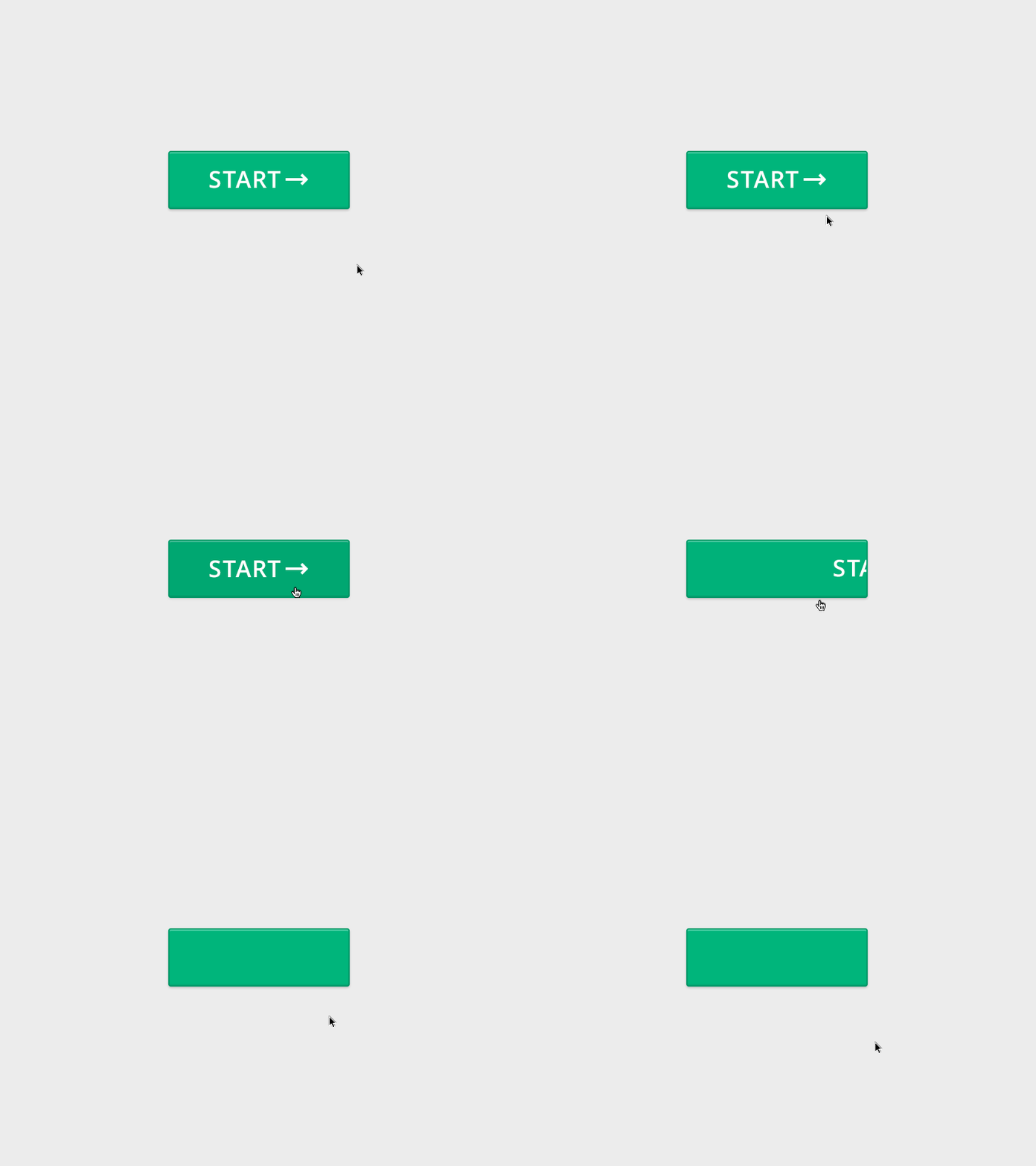
Color Changes

  • Still green color

Opacity / Brightness

  • Maintain

Scale & Sizes

  • Didn’t change

Animation

  • Click the start then will move to next step

Graphic Elements

  • The arrow will become nothing when click the start

Color Changes

  • Didn’t change

Opacity / Brightness

  • Maintain

Scale & Sizes

  • Didn’t change

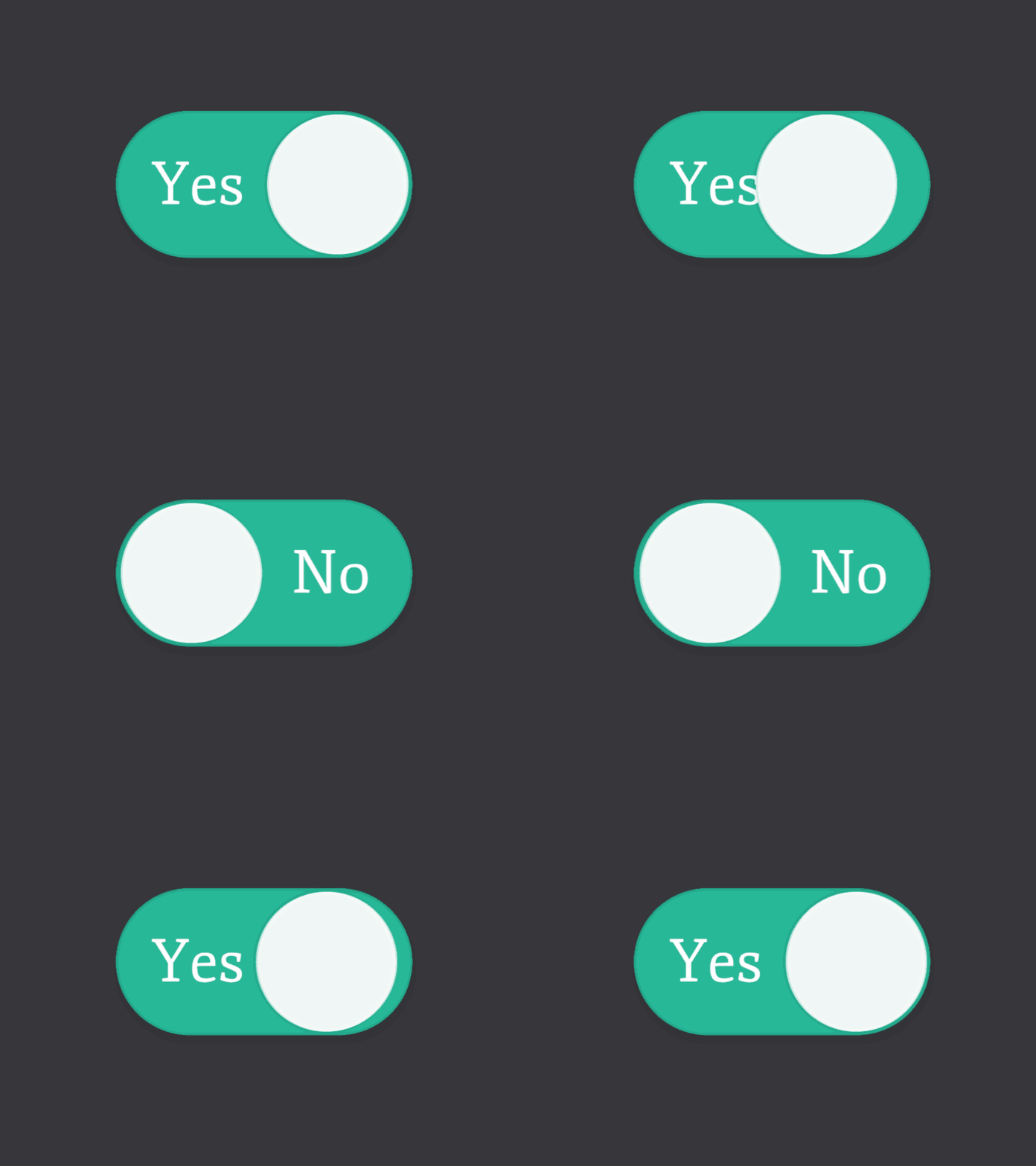
Animation

  • The circle will more to yes or no

Graphic Elements

  • None

References

Entries 3

  • Theme : Drink
  • Meaning : Muyoo, Moge Tea, The Alley, Pin Tea, Koi The
  • Target Audience : Teenagers
  • Perspective : 2D
  • Light & Shadow : None
  • Art Direction : Illustration and hand drawing
  • Color Mode : Warm
  • Theme : Japan
  • Meaning : Japan Flag, Maiko, Warrior, Karate
  • Target Audience : Traveller
  • Perspective : 2D & Flat
  • Light & Shadow : None
  • Art Direction : Illustration
  • Color Mode :
  • Theme : Media
  • Meaning : Document, Audio, Video, Delete
  • Target Audience : People who use the media
  • Perspective : 2D & Flat
  • Light & Shadow : None
  • Art Direction : Lines and Curved Edges
  • Color Mode :
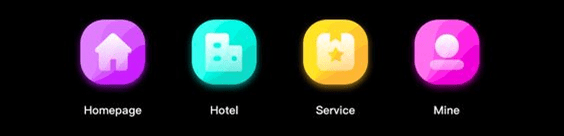
  • Theme : Apps
  • Meaning : Homepage, Hotel, Service, Mine
  • Target Audience : People who use the mobile phone
  • Perspective : 2D & Top View
  • Light & Shadow : None
  • Art Direction : Have glow at the bottom and using gradient
  • Color Mode ;Colourful
  • Theme : Planet
  • Meaning : Mercury, Venus, Earth, Mars
  • Target Audience : Astronomer
  • Perspective : 2D
  • Light & Shadow : None
  • Art Direction : Line
  • Color Mode : Colorful

References

Entries 2

Pixel Buddy ( Ann Tan Bee Lin )

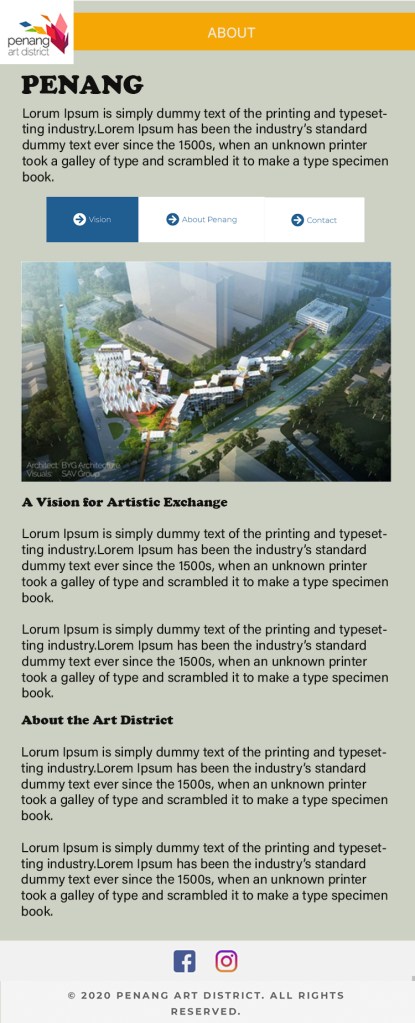
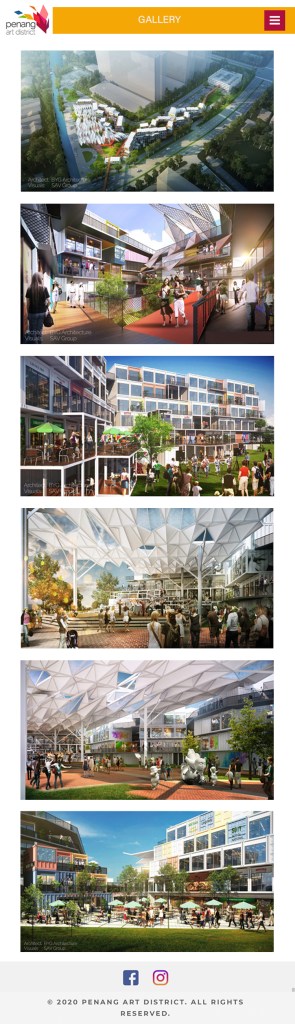
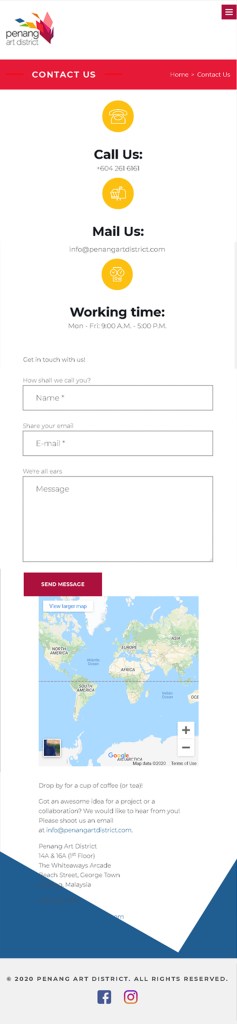
Website Design (Mobile)

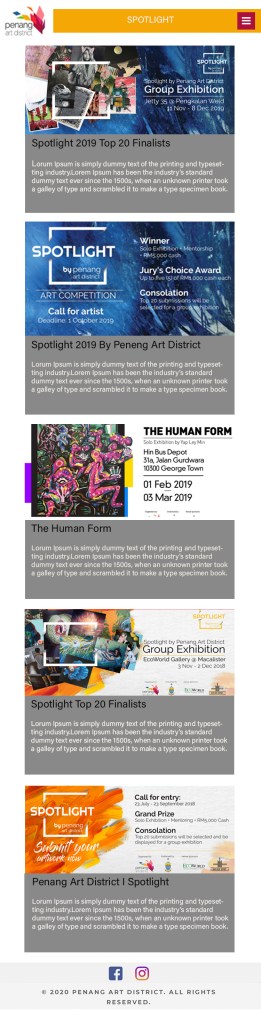
Redo ( Mobile Website Design )

* User can just pressin to the Vision, About Penang or Content to switch the screen

*User can click on picture or the special words ( the words black than other ) to see more information.

References

Redo

Entries 1

Principles and Practices of Digital Media
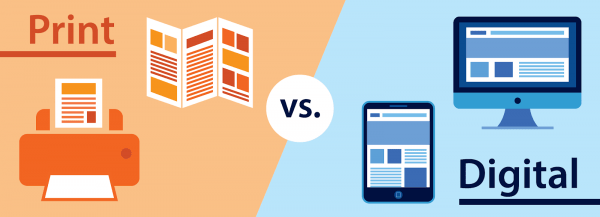
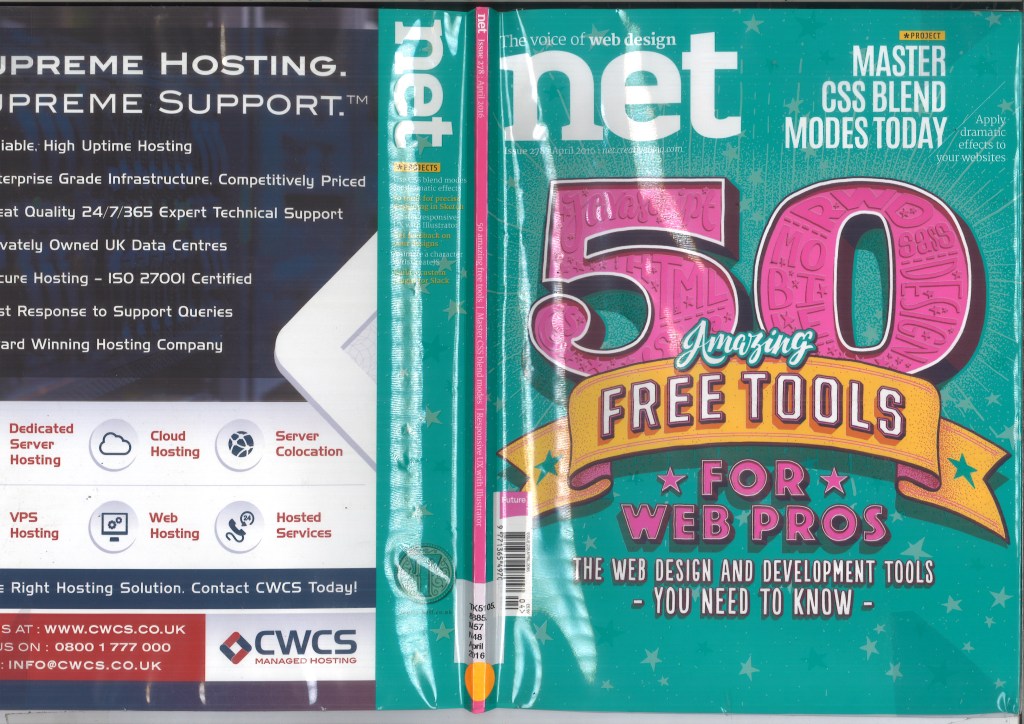
Magazine – Print vs Digital

A magazine is a publication, usually a periodical publication, which is printed or electronically published. Magazines are generally published on a regular schedule and contain a variety of content.

DIFFERENCES

CHANGEABILITY AND LIFECYCLE

PRINT

  • more static process
  • prohibitively expensive to print test batches to check on the final outcome

DIGITAL

  •  easier to make tweaks or changes
  • preview the look before a final release
  • Changes can even be made once a project has gone live

ENGAGEMENT

  • conditions of how a user will come across your work is dependent on how and where the viewer will encounter the work
  • competing with a lot for a viewers attention.

SENSES

  • viewers to engage with content on a physical level
  • the weight of the paper or canvas that will be used
  •  not be able to engage our sense of touch
  • make the experience more immersive

SPACE AND LAYOUT

  • finite amount of space to work with, ie. A5, A4 etc
  • Alternatively, and intentionally disorderly composition
  • Legibility and text sizing are key issues when involved in projects for print.
  • Browser and screen sizes do differ hugely
  • no guarantee that the design will look and feel the same from device to device or platform to platform
  •  familiar with responsive design
  • prepared to do testing across platforms

COLOR AND RESOLUTION

  •  DPI and CMYK are the measurements
  • determined by the quality and settings
  •  CMYK (cyan, magenta, yelow, key(black) ), which are the different shades of pigment used by printers
  • PPI and RGB determine image quality
  • determines the complexity of its composition
  • RGB (red, green,blue) are the 3 colours of light which a digital screen project in various combinations
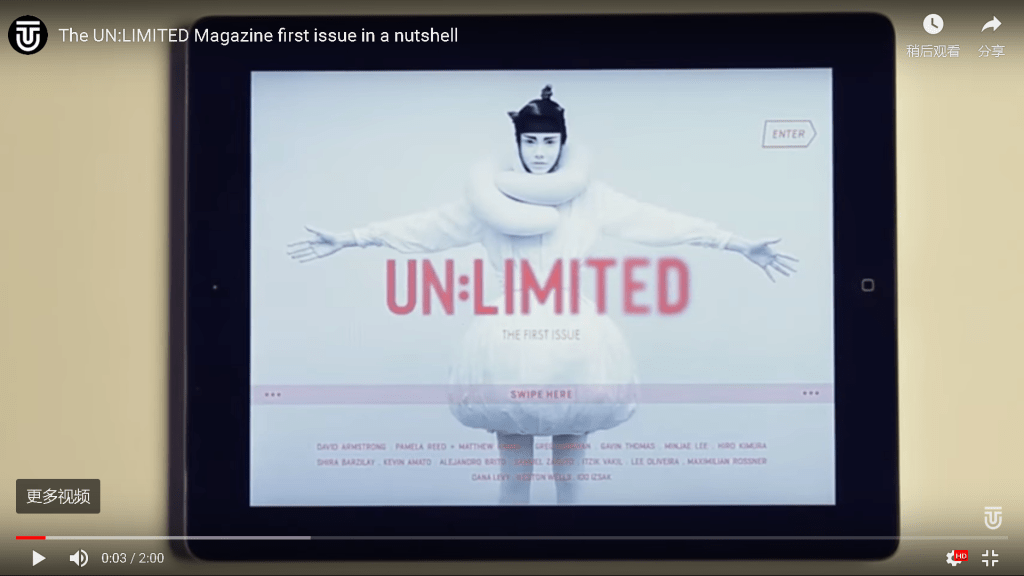
DIGITAL MAGAZINE

According to the comparison above, we know that print magazine and digital magazine have a lot of differences and advantages. But now just few people left reads print magazine such as the old people and most of the teenagers are prefer to digital magazine , that is i know. I thought that digital magazine is good than print magazine because digital is convenience than print. Print need to always take a book or somethings but digital no need, digital just need to carry your phone or laptop also can read in it. Next,sometimes print magazine need to use money to buy but digital magazine no need, it is free to all people.Last, i prefer digital magazine is good to read in life.

  1. PHOTO PRINT VS DIGITAL Available at: https://infp.co.za/wp-content/uploads/2018/08/Print-vs-Digital-v2-01-600×217.png

2. INFORMATION OF MAGAZINE Available at : https://en.wikipedia.org/wiki/Magazine

3. 5 KEY DIFFERENCES Available at : https://medium.com/inkbot-design/5-key-differences-in-designing-for-print-vs-digital-media-6e69edcfc414 

4. DIFFERENCES BETWEEN PRINT AND DIGITAL Available at : https://infp.co.za/2018/08/27/what-is-the-difference-between-digital-and-print-design/

5. PHOTO DIGITAL MAGAZINE (E-MAGAZINE) Available at : https://www.pinterest.com/pin/9640586690608611/

Introduce Yourself (Example Post)

This is an example post, originally published as part of Blogging University. Enroll in one of our ten programs, and start your blog right.

You’re going to publish a post today. Don’t worry about how your blog looks. Don’t worry if you haven’t given it a name yet, or you’re feeling overwhelmed. Just click the “New Post” button, and tell us why you’re here.

Why do this?

  • Because it gives new readers context. What are you about? Why should they read your blog?
  • Because it will help you focus you own ideas about your blog and what you’d like to do with it.

The post can be short or long, a personal intro to your life or a bloggy mission statement, a manifesto for the future or a simple outline of your the types of things you hope to publish.

To help you get started, here are a few questions:

  • Why are you blogging publicly, rather than keeping a personal journal?
  • What topics do you think you’ll write about?
  • Who would you love to connect with via your blog?
  • If you blog successfully throughout the next year, what would you hope to have accomplished?

You’re not locked into any of this; one of the wonderful things about blogs is how they constantly evolve as we learn, grow, and interact with one another — but it’s good to know where and why you started, and articulating your goals may just give you a few other post ideas.

Can’t think how to get started? Just write the first thing that pops into your head. Anne Lamott, author of a book on writing we love, says that you need to give yourself permission to write a “crappy first draft”. Anne makes a great point — just start writing, and worry about editing it later.

When you’re ready to publish, give your post three to five tags that describe your blog’s focus — writing, photography, fiction, parenting, food, cars, movies, sports, whatever. These tags will help others who care about your topics find you in the Reader. Make sure one of the tags is “zerotohero,” so other new bloggers can find you, too.


Design a site like this with WordPress.com
Get started